Top devices, browsers and operating systems
The Browsers, Operating Systems and Devices tabs show the screen size, browser and operating system (OS) of your visitors. They help you identify and understand the type of device your visitors use the most often so you can optimize your website experience to them. Click on any particular entry to filter the dashboard by that traffic and see further details such as the browser or OS version.
You can click the expand icon in the top right to see the full list with additional details like "Visitors", "%", "Bounce Rate", and "Visit Duration". Click on any such metric heading to sort and arrange your data in ascending or descending order.
You can use the Filter button on the top of your dashboard to segment the traffic by multiple devices at the same time. Filter button also allows you to filter out traffic from specific devices.
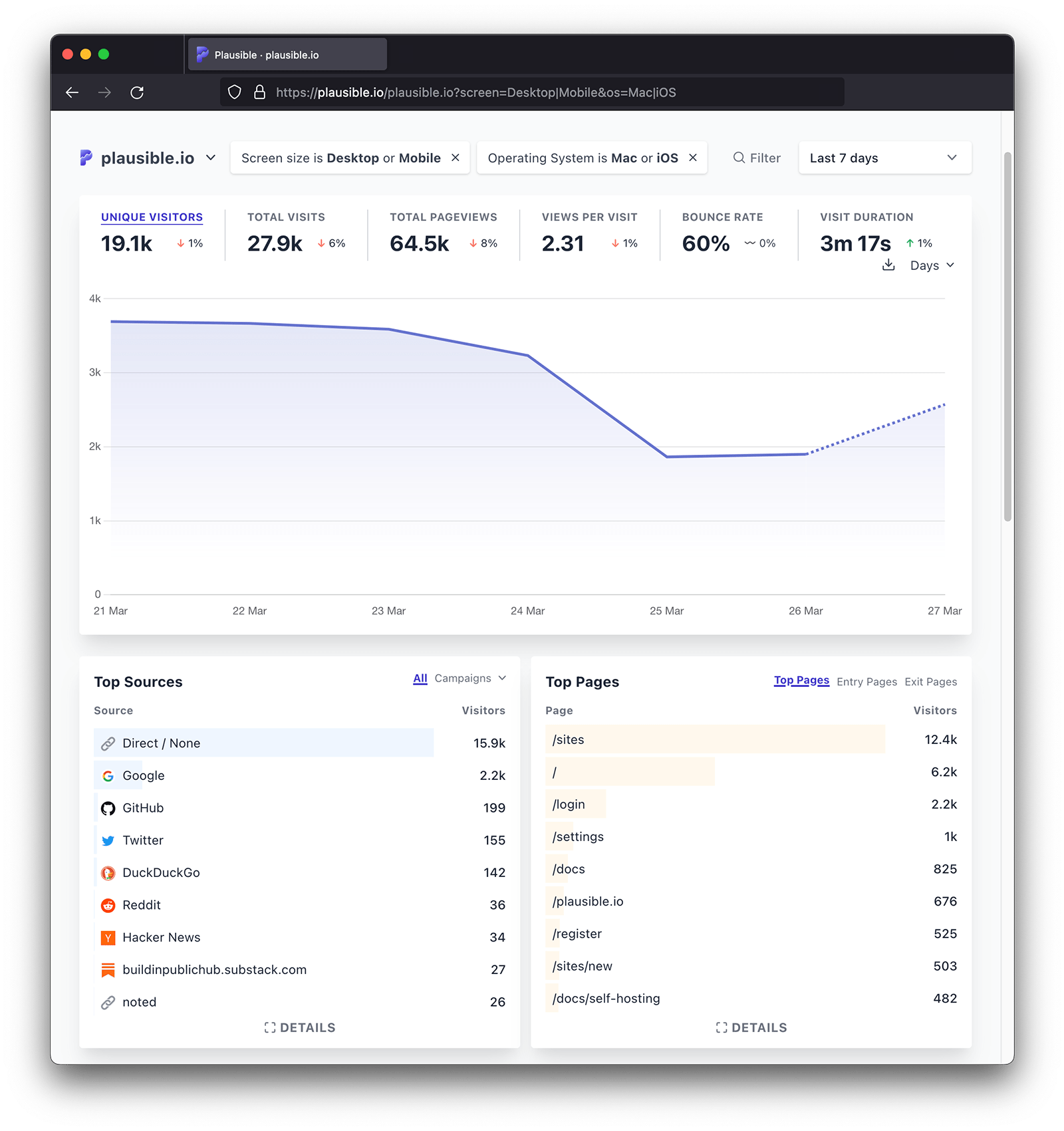
Screen size
The Devices tab shows the devices used by your website visitors. Devices are categorized into desktop, mobile or tablet. This is derived from the User-Agent HTTP header. The full User-Agent is discarded.
Browser
The Browsers tab shows what browsers people use when visiting your website. We only show the brand of the browser and when you click on the brand you can see the version number too. This is derived from the User-Agent HTTP header. The full User-Agent is discarded.
Operating system
The Operating Systems tab shows what operating systems people use when visiting your website. We show the brand of the operating system and when you click on the brand you can see the version numbers too. This is derived from the User-Agent HTTP header. The full User-Agent is discarded.
This means that Plausible and other analytics tools are not able to report the latest versions, which for Windows are above 10, and for macOS above 10.15. Visitors with the new versions will be grouped in the last known version